

Documentation Index

Fetch the complete documentation index at: https://enrolla-nk-hub-guardrails.mintlify.app/llms.txt

Use this file to discover all available pages before exploring further.

To send OpenTelemetry metrics and traces generated by Traceloop from your LLM Application to Middleware, Follow the below steps.
1

Get your Middleware credentials

  1. Sign in to your Middleware account.
  2. Go to settings and click on API Key. Link
  3. Copy and Save the value for MW_API_KEY and MW_TARGET
2

Add the following lines to your application code:

from traceloop.sdk import Traceloop

Traceloop.init(
    app_name="YOUR_APPLICATION_NAME",
    api_endpoint="<MW_TARGET>",
    headers={
        "Authorization": "<MW_API_KEY>",
        "X-Trace-Source": "traceloop",
    },
    resource_attributes={"key": "value"},
)
Replace:
  1. MW_TARGET with your middleware target url
  • Example - https://abcde.middleware.io
  1. MW_API_KEY with your middleware api key.
  • Example - nxhqwpbvcmlkjhgfdsazxcvbnmkjhgtyui
Refer to the Traceloop Docs for more advanced configurations and use cases.For detailed information on LLM Observability with Middleware and Traceloop, consult Middleware Documentation: LLM Observability Documentation.
3

Visualize in Middleware

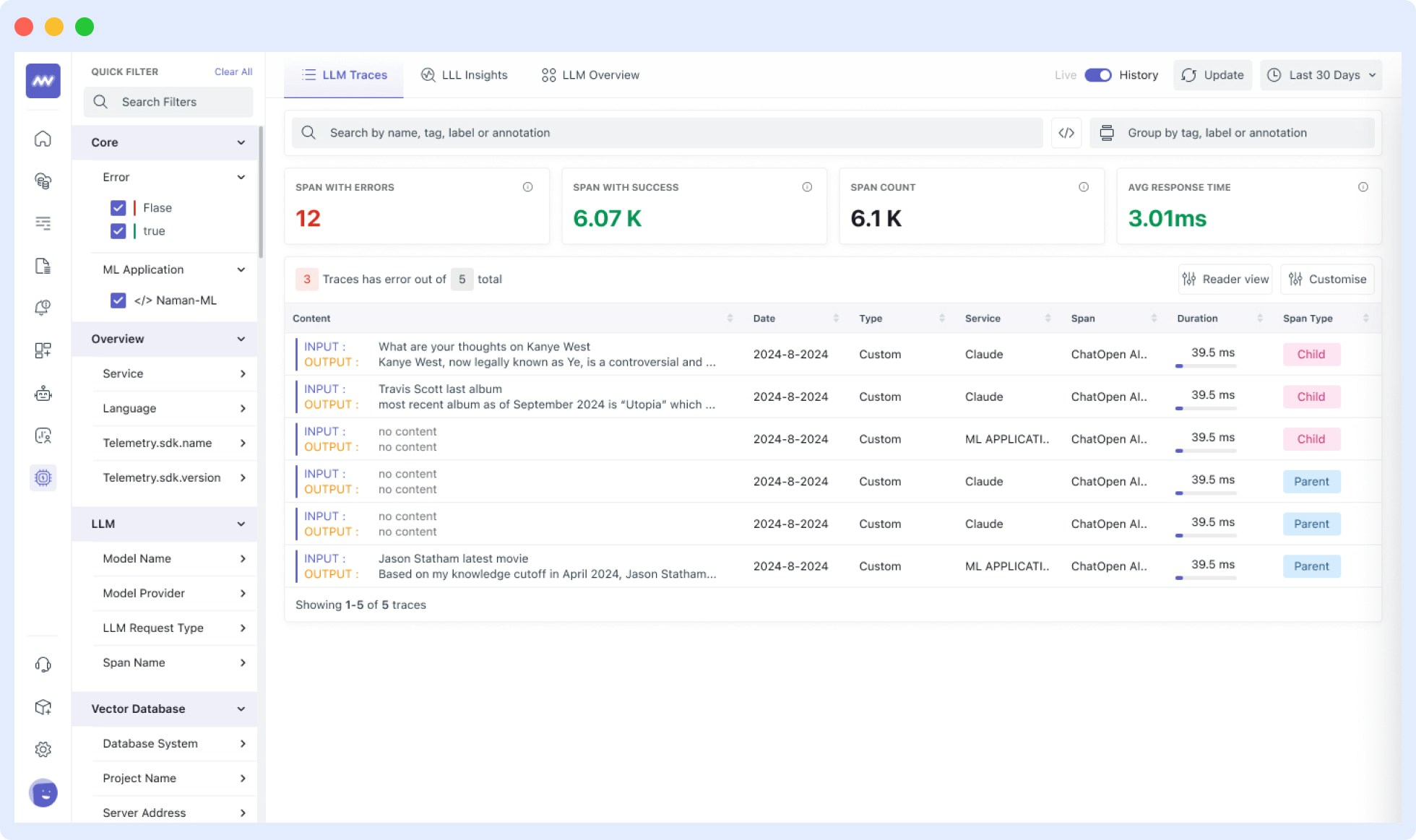
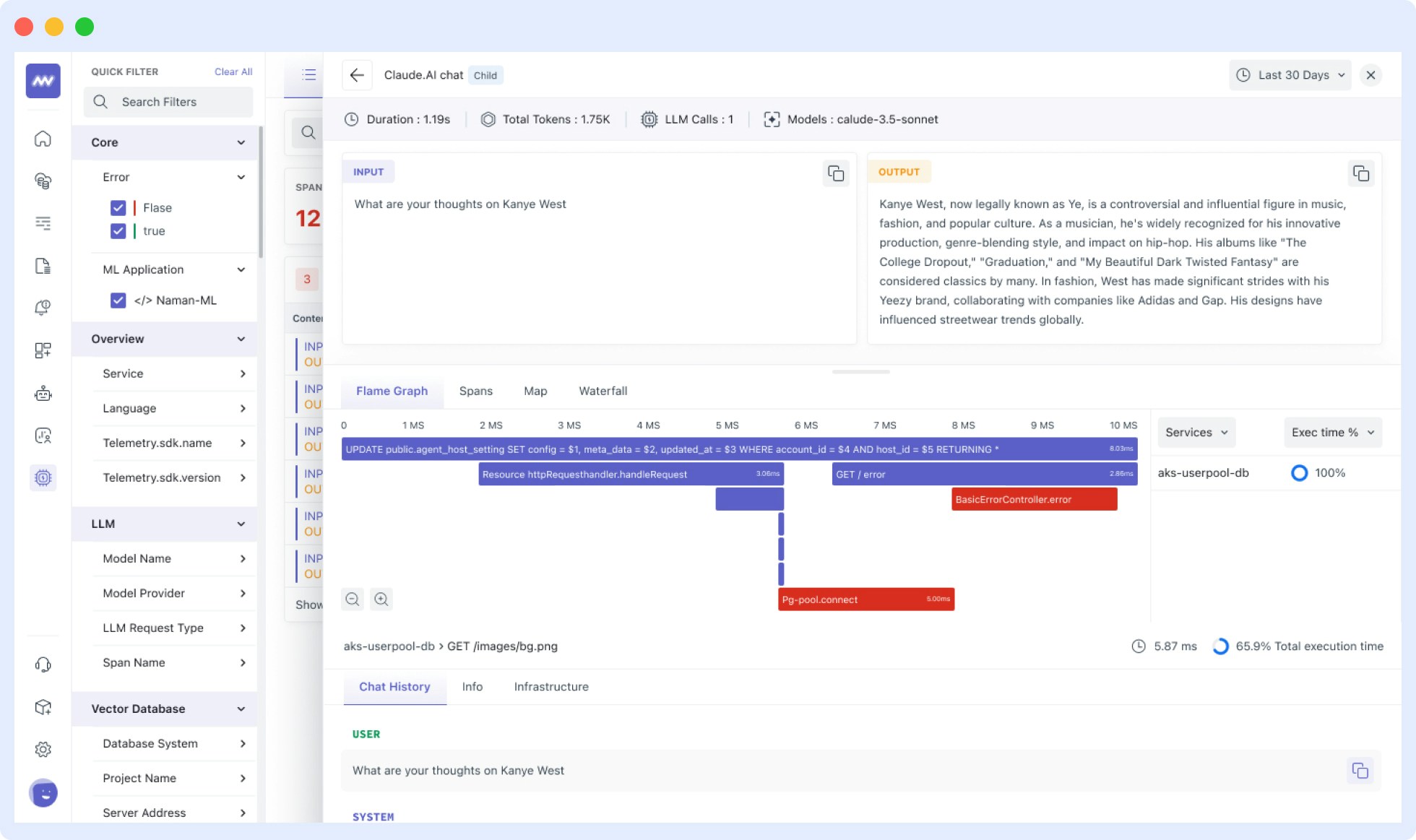
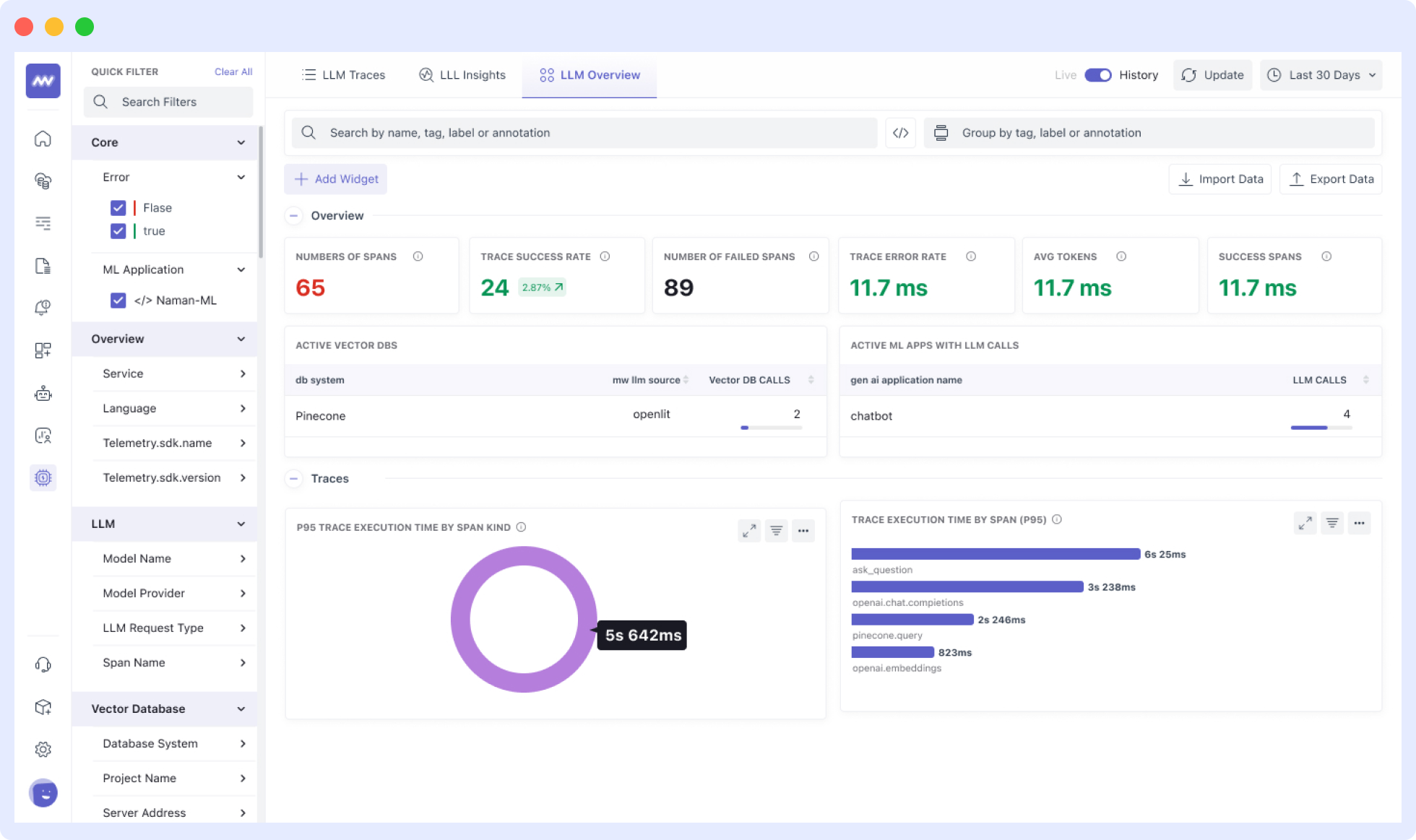
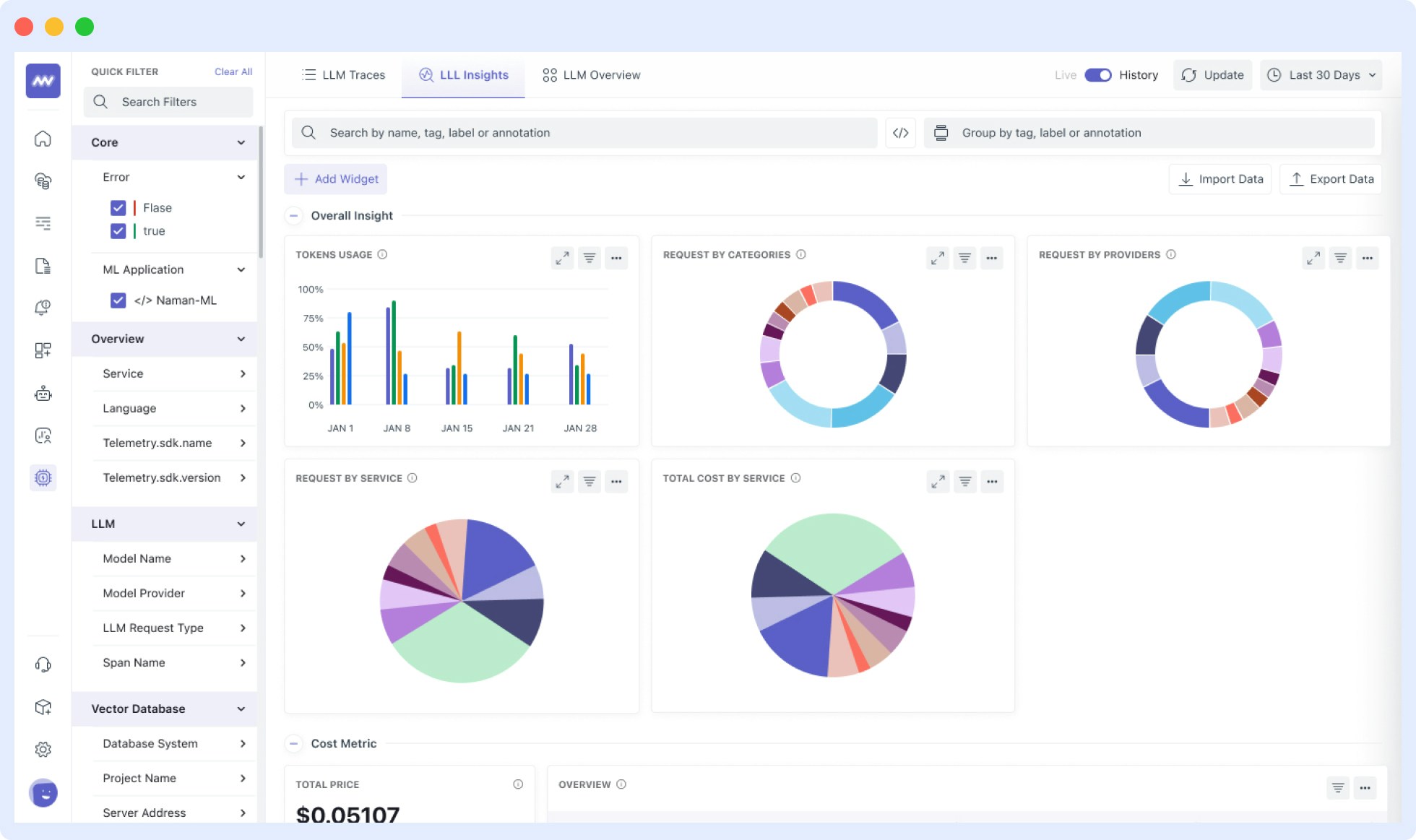
Once your LLM application is instrumented, you can view the traces, metrics and dashboards in the Middleware LLM Observability section. To access this:
  1. Log in to your Middleware account
  2. Navigate to the LLM Observability Section in the sidebar