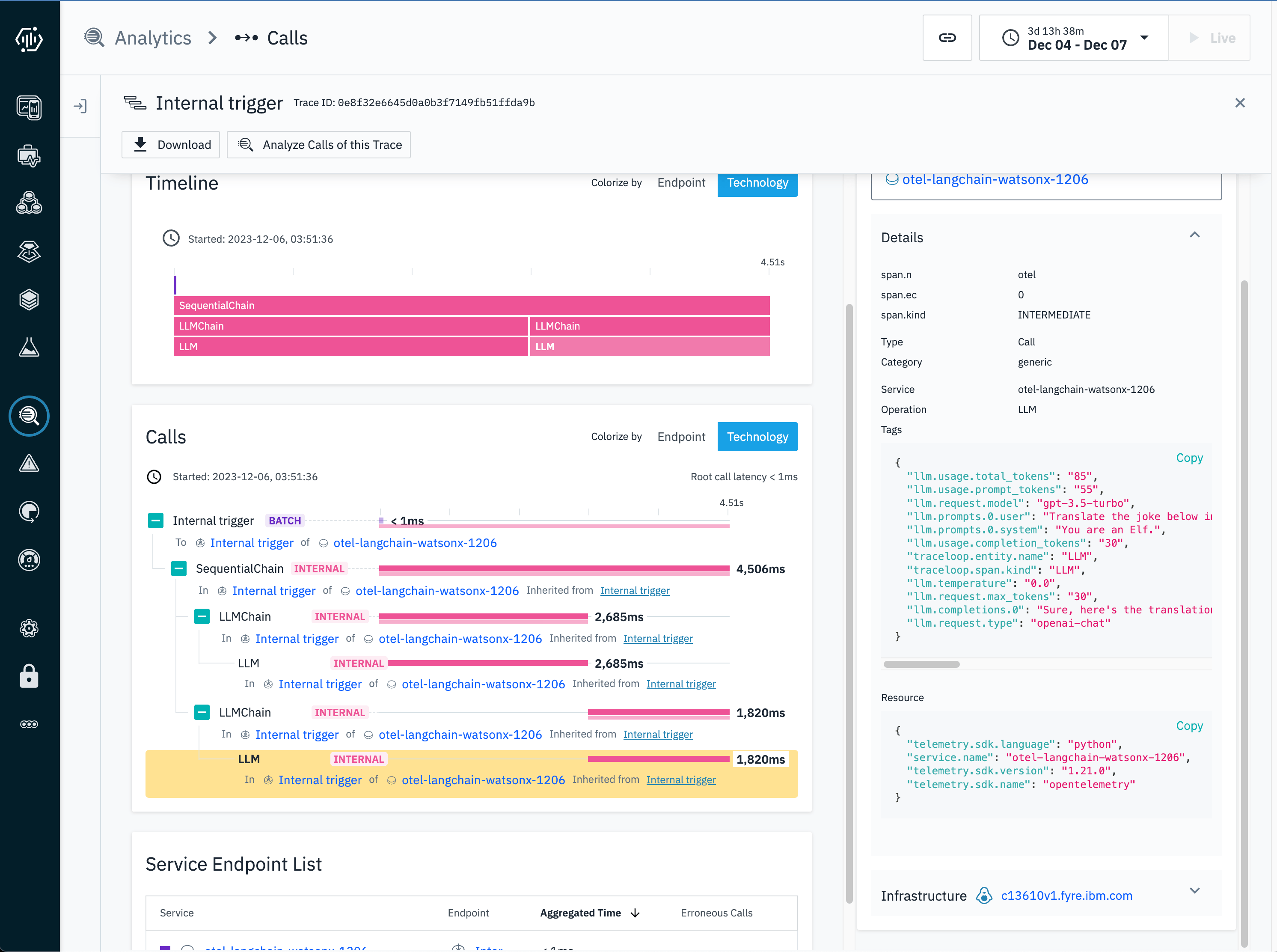
With Instana, you can export directly to an Instana Agent in your cluster.The Instana Agent will report back the tracing and metrics to the Instana Backend and display them on the Instana UI.If you are running your Instana Agent on a VM or physical machine, do the following to config:Edit the agent config file configuration.yaml under the /opt/instana/agent/etc/instana folder.
cd /opt/instana/agent/etc/instanavi configuration.yaml
The Instana agent should be ready for OpenTelemetry data at port 4317.Then, set this env var, and you’re done!
TRACELOOP_BASE_URL=<instana-agent-hostname>:4317
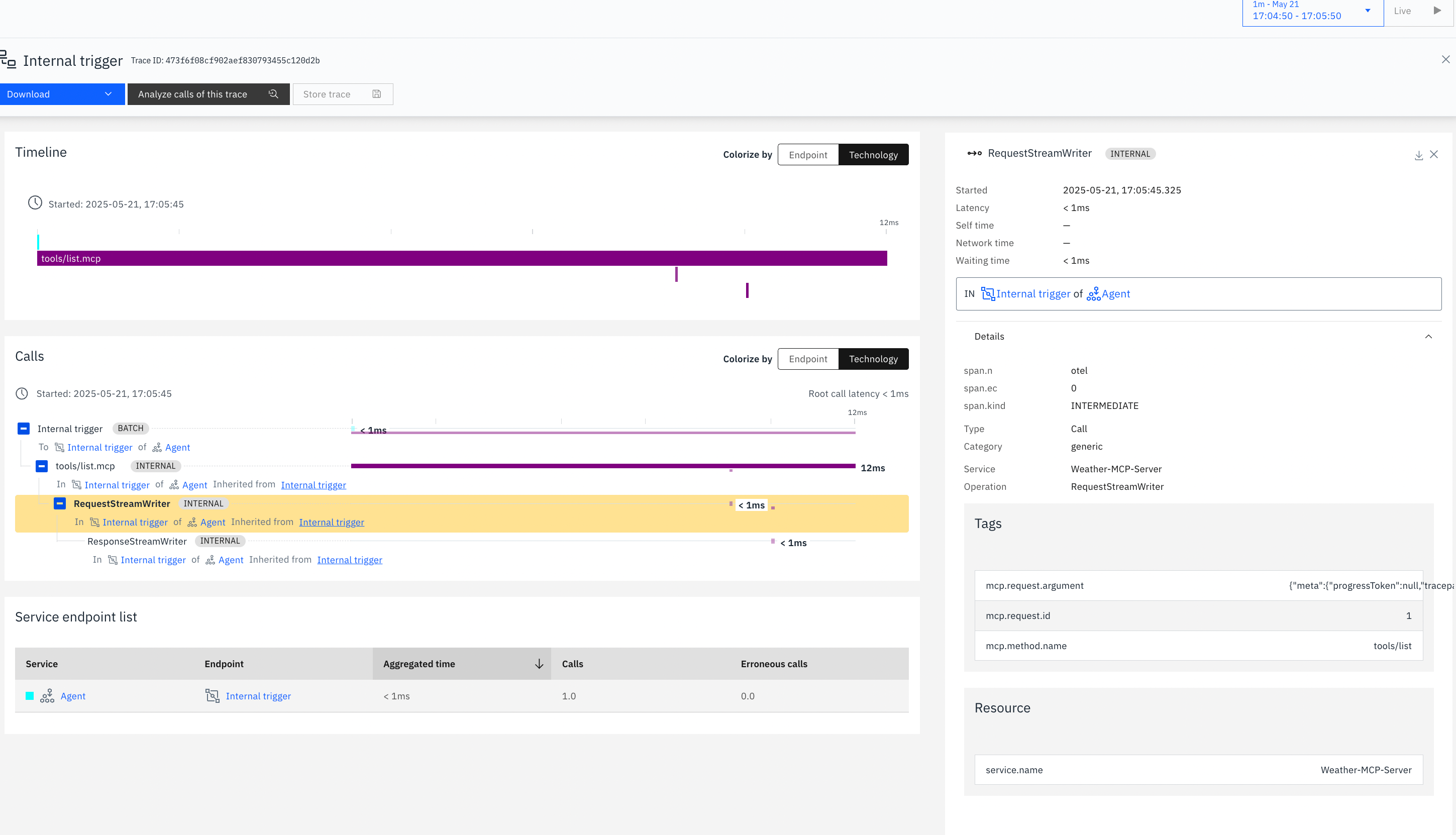
Instana now supports MCP Observability. The following span attributes are available for MCP traces :
mcp.method.name
mcp.request.argument
mcp.request.id
mcp.response.value
mcp.session.init_optionsHere is the MCP traces from Instana UI: