1
Set up the Integration within Traceloop
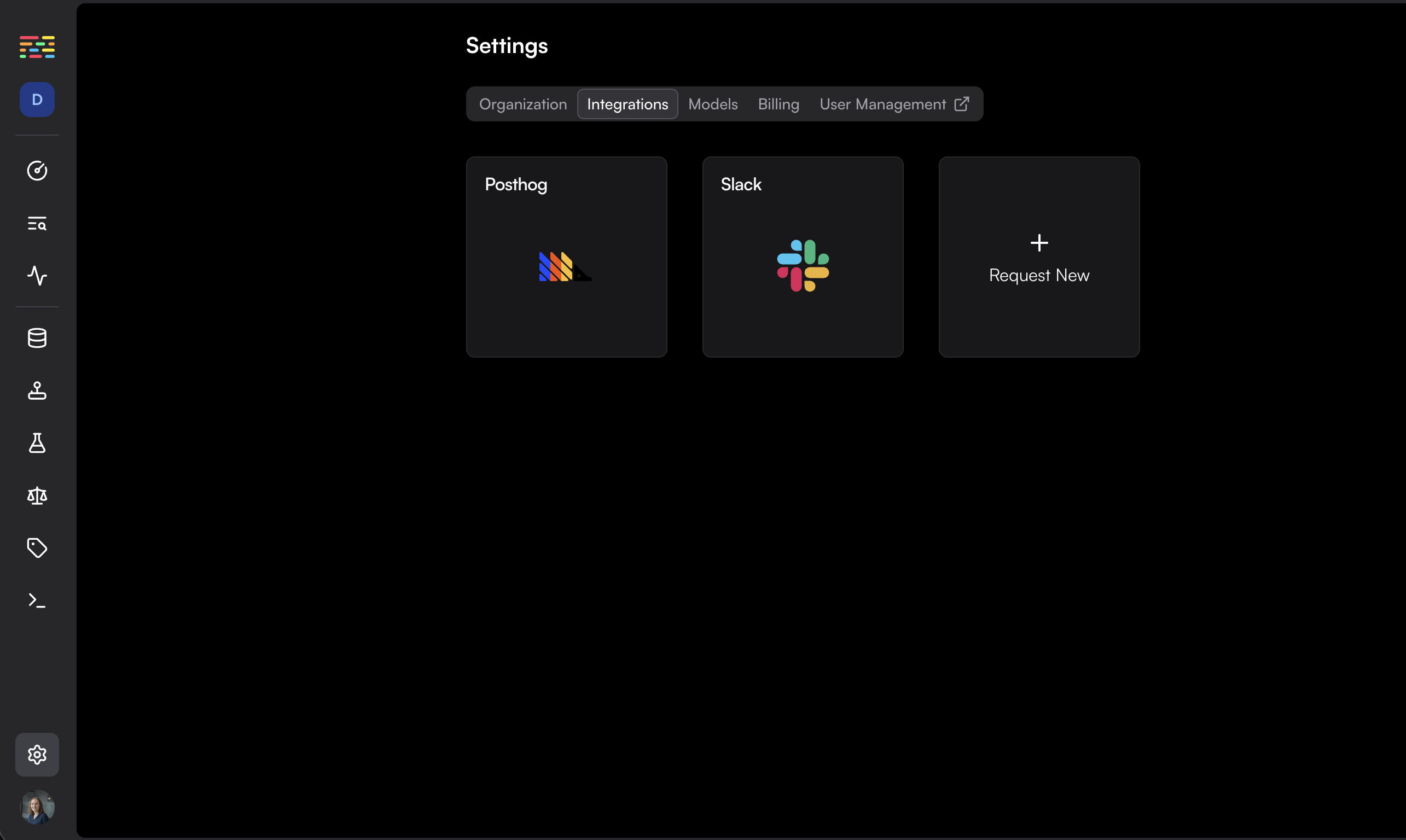
Go to the integrations page within Traceloop and click on the Slack card.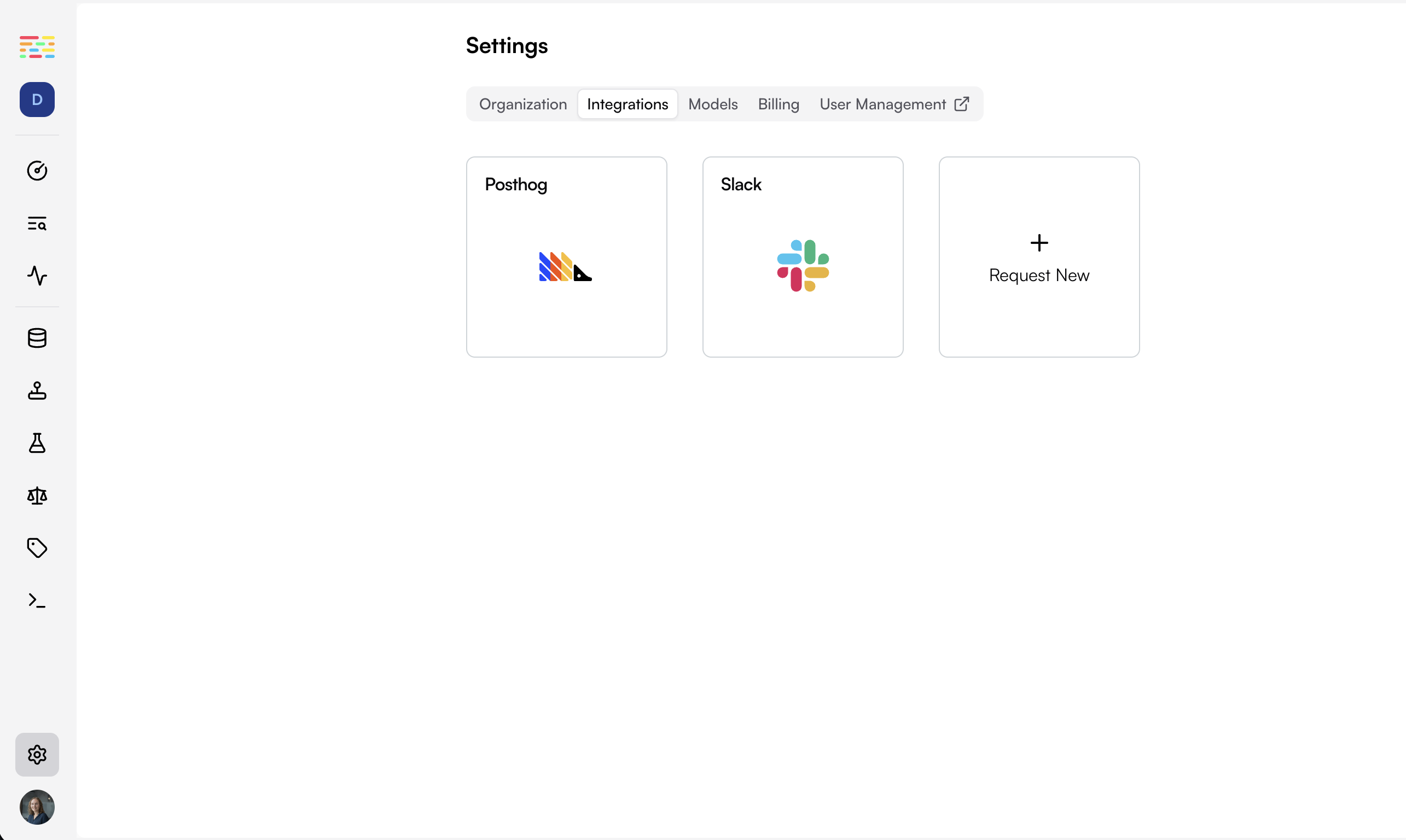
2
Authorize Slack
Click on the Slack integration and follow the “Connect to Slack” button to authorize Traceloop to send messages to your Slack workspace.
3
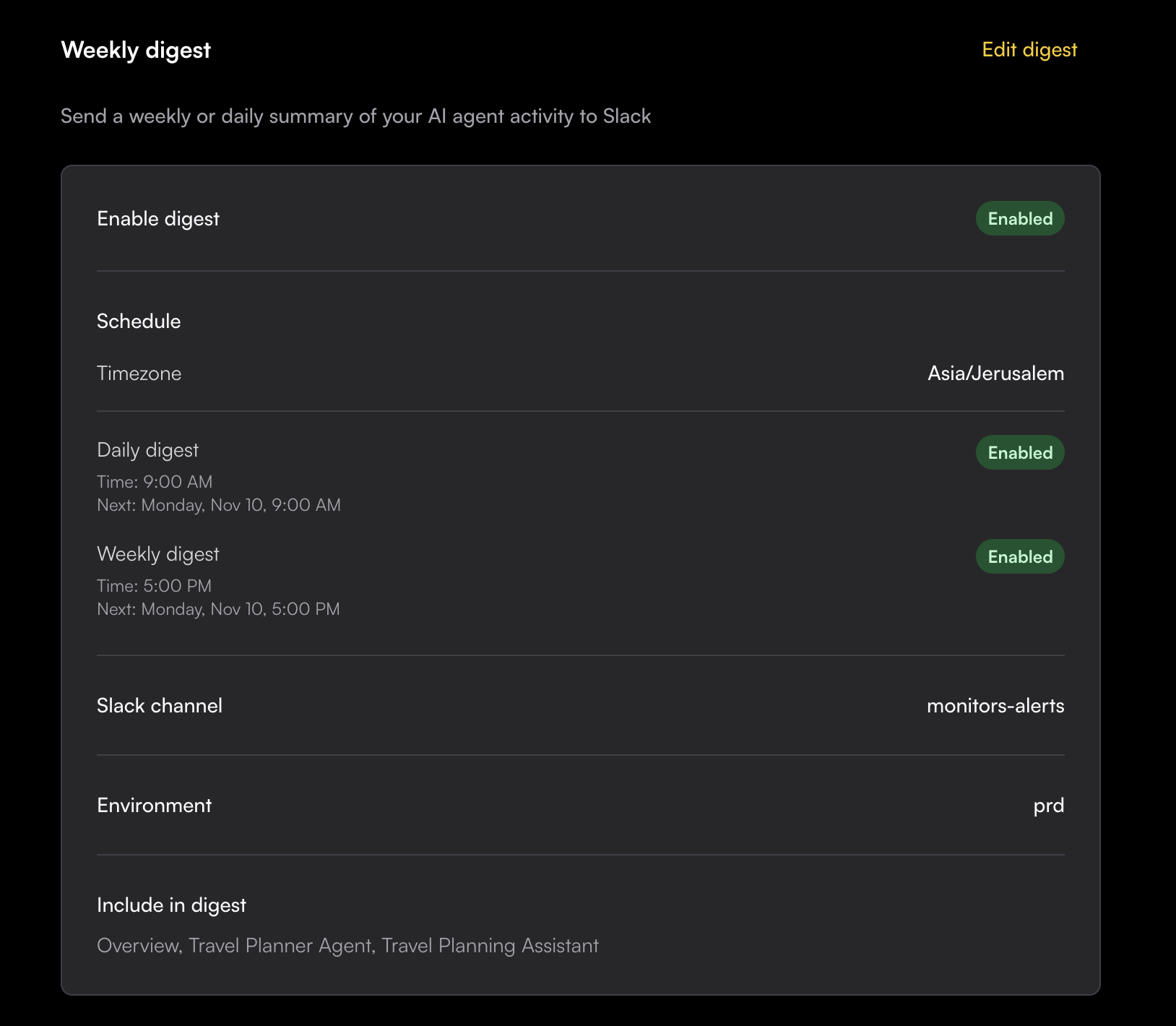
Configure your preferences
Choose your notification preferences: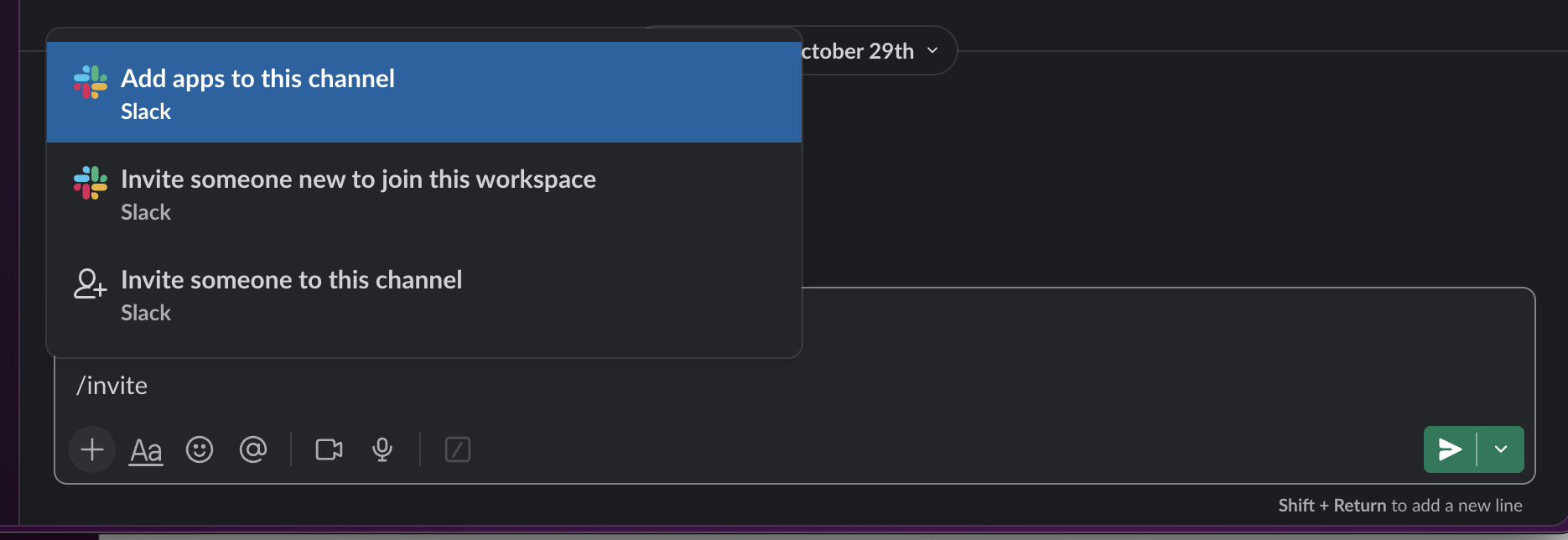
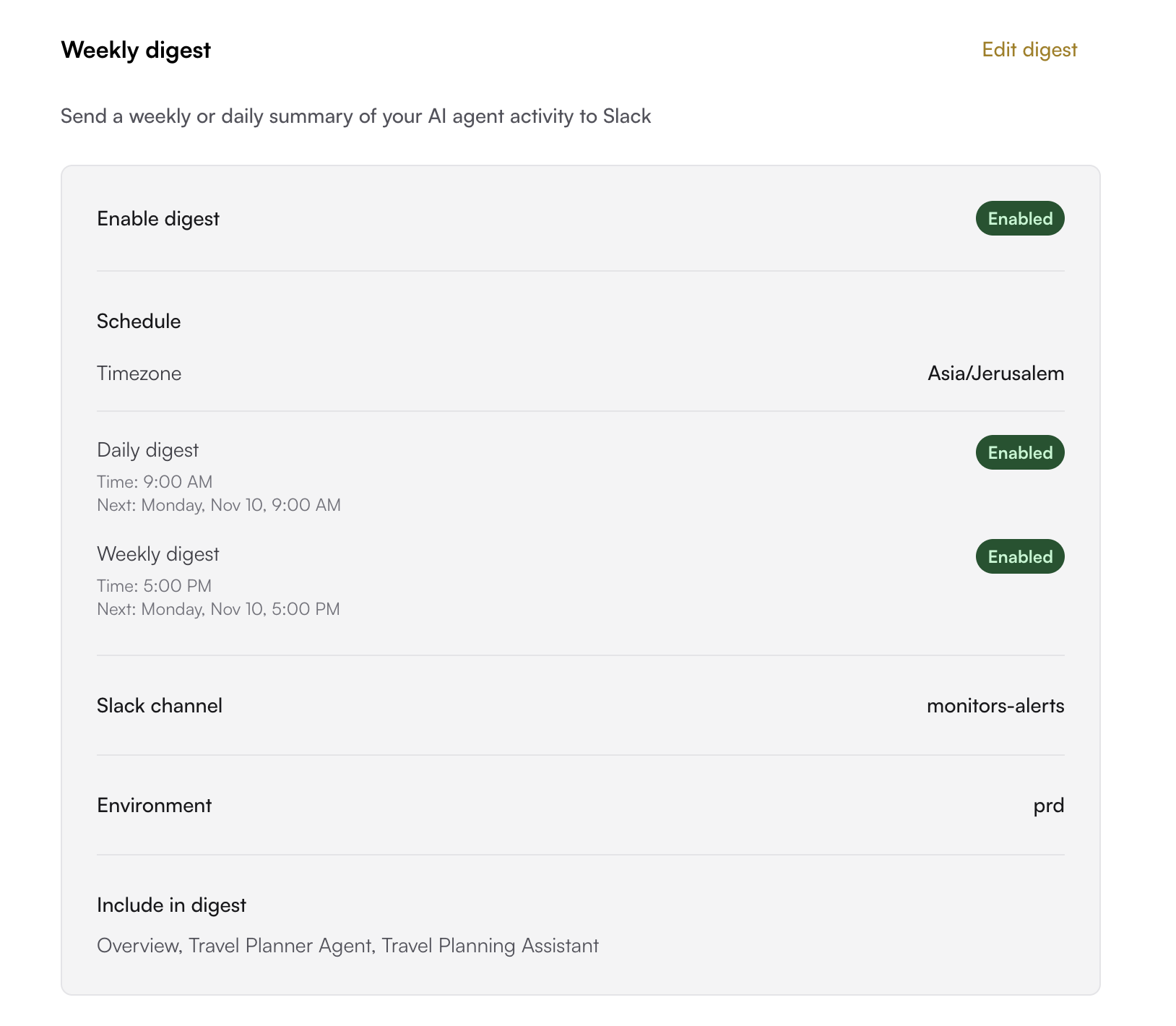
- Select the Slack channel where you want to receive updates
Important: Make sure to invite the Traceloop app to the channel before enabling the integration.
- Select the desired schedule - daily/weekly
- Set the required time and timezone
- Choose which environment to monitor